Advvy has extended the existing media workflow capabilities for Campaigns into a new record type “Projects”. Similar to Campaigns, Projects consist of start and end dates, are attached to a Client and require a workflow, however projects don’t have the campaign overheads (ie there are no media budgets etc).
Some of the Project features include:
- Projects can be used for client based work or for other internal organisation work that would benefit from a workflow process with tasks that can be assigned to users and roles. Simply add a new ‘Client’ such as internal departments or Teams that are related to the Project.
- Projects honour security rights for visibility only to users who are members of the client team (as per campaign).
- Project Tasks will appear along with any Campaign tasks in the Advvy Activities lists for a user.
To Create a new Project:
- Navigate to the Projects menu and select [+New]
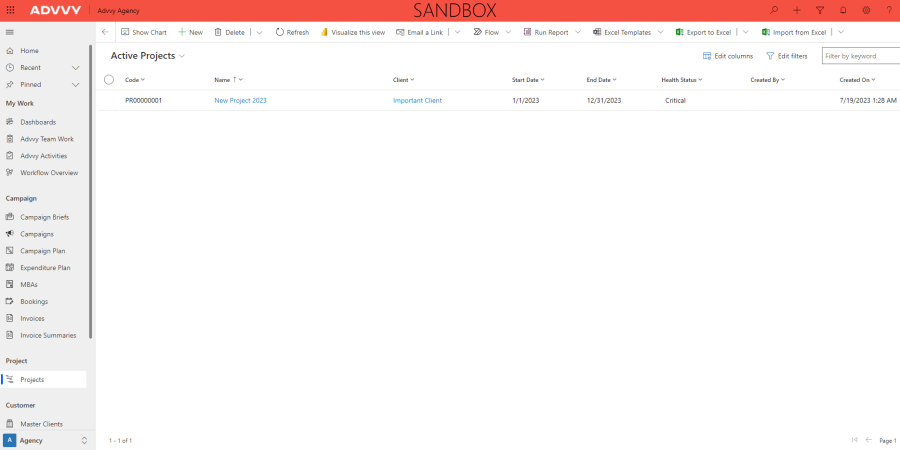
- Enter the mandatory information such as Name, Start date, End Date, Client and Workflow
- Select [Save] to initialize the project record and build the workflow activities, roles and due dates
N.B Just like on Campaigns, you don’t have to select a Workflow, and can create a project without one. You can then create a new workflow from scratch or manage the Project without a workflow.